FPS Test 3D Benchmark - Booster64
Publisher Description
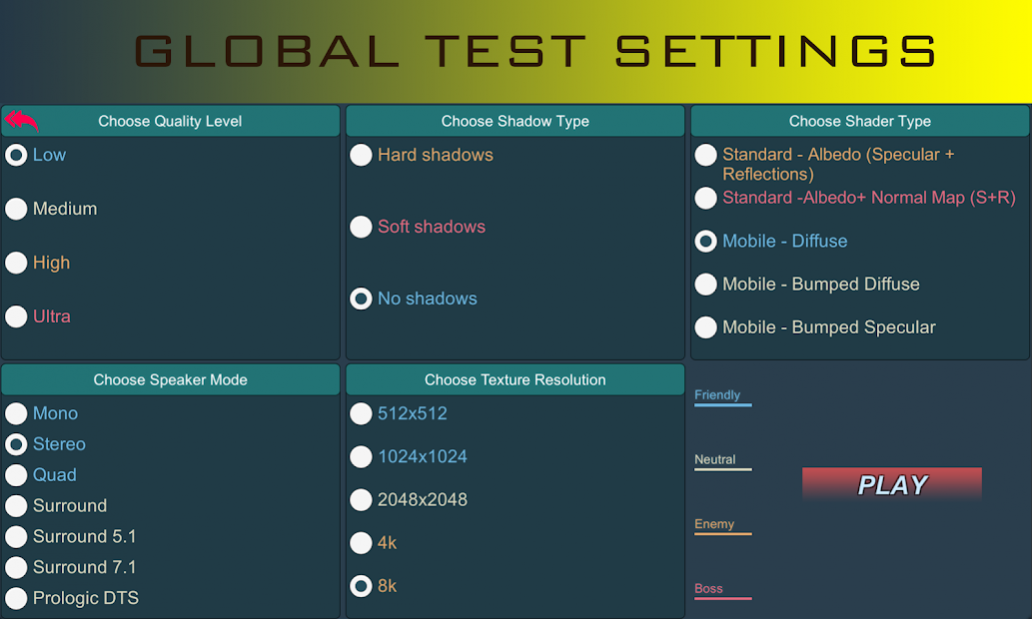
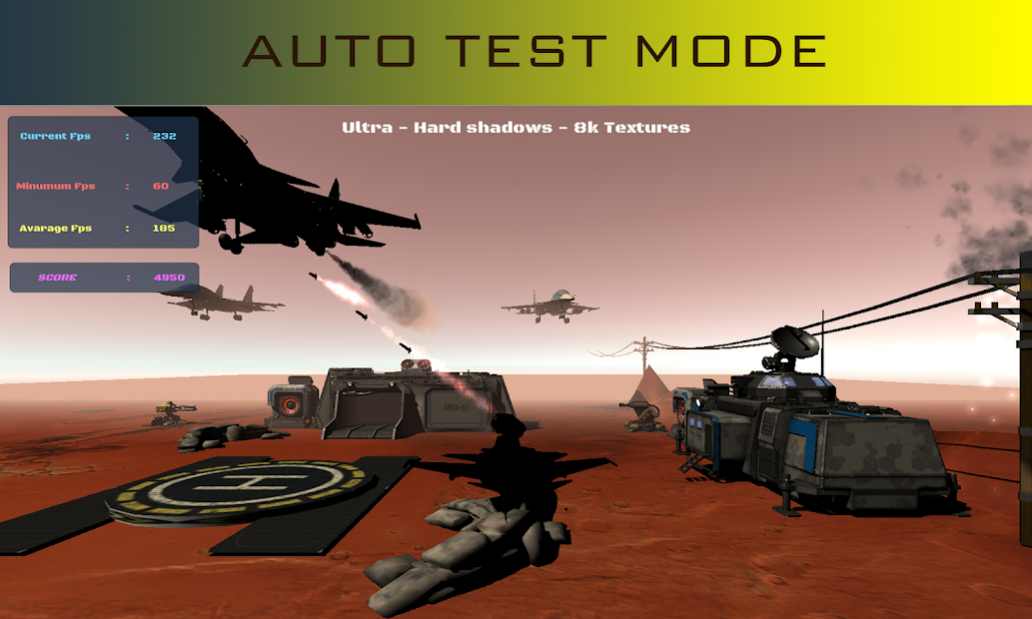
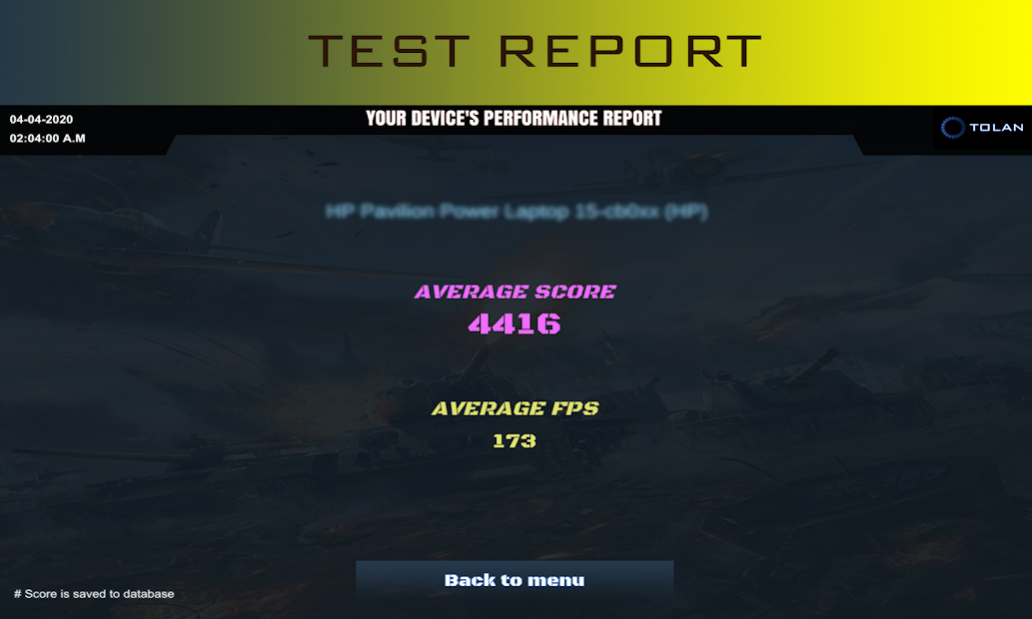
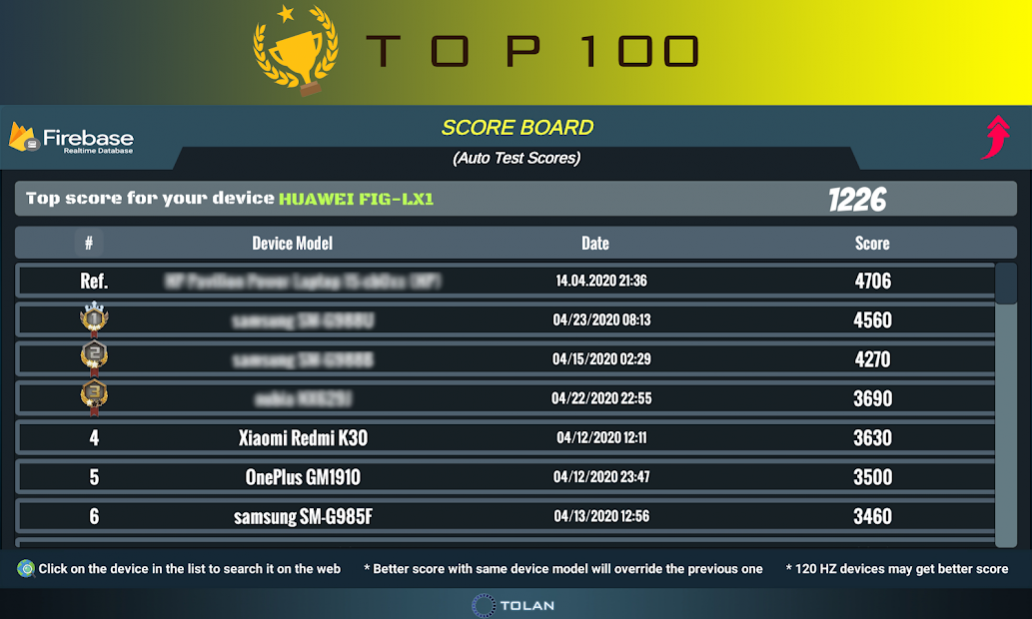
Tolan Benchmark - GPU Test 3D + GRC Booster uses mobile & standard shaders and settings to test device fps on a playable scene.
With various global graphics settings you are able to check your device's GPU limits and FPS behaviour.
Also you can apply an auto test which runs 3-phases test on you device. As a result of this test your device gets a score which is getting saved to our databases to compare devices to each other world wide in Tops 100 list for benchmark!
Game booster is now in your service. Kill running apps backround, clear cache and boost your device.
🔥Settings are listed below;
- Quality Settings
- Sound Settings
- Shadow Settings
- Texture Settings
- Shader Settings
🔥In the playable scene you may check;
- Current FPS
- Max. FPS
- Min. FPS
- Avarage FPS and Total Score
🔥This app includes;
- Android benchmark
- Device booster
- FPS test
- Gaming performance monitoring
- Opengl renderer
- Vulkan renderer
- Shader options
- 3D Graphics
- HDR Game Graphics
- HDR Picture quality
- Monitor the system performance
- Monitor the system info
- Check for system stability
- Graphics Rendering Level
About FPS Test 3D Benchmark - Booster
The company that develops FPS Test 3D Benchmark - Booster is TOLAN. The latest version released by its developer is 64.
To install FPS Test 3D Benchmark - Booster on your Android device, just click the green Continue To App button above to start the installation process. The app is listed on our website since 2022-02-28 and was downloaded 10 times. We have already checked if the download link is safe, however for your own protection we recommend that you scan the downloaded app with your antivirus. Your antivirus may detect the FPS Test 3D Benchmark - Booster as malware as malware if the download link to com.benchmark.fpsmeter is broken.
How to install FPS Test 3D Benchmark - Booster on your Android device:
- Click on the Continue To App button on our website. This will redirect you to Google Play.
- Once the FPS Test 3D Benchmark - Booster is shown in the Google Play listing of your Android device, you can start its download and installation. Tap on the Install button located below the search bar and to the right of the app icon.
- A pop-up window with the permissions required by FPS Test 3D Benchmark - Booster will be shown. Click on Accept to continue the process.
- FPS Test 3D Benchmark - Booster will be downloaded onto your device, displaying a progress. Once the download completes, the installation will start and you'll get a notification after the installation is finished.
Program Details
System requirements
Download information
Pricing
Version History
version 64
posted on 2022-02-28
- Data base is deleted! All scores have removed
- Test 3 now contains post processing effects for a heavy test
- Playable test is removed
- Score screenshot is now automatically saving to gallery
- CPU and GPU Booster is enabled . No heat for Snapdragons!
- Sound channel selection bug fixed
version 61
posted on 2021-03-14
- CPU and GPU Booster is enabled . No heat for Snapdragons!
- Sound channel selection bug fixed
